Reduce the size of your Mollie log file
Before you start
Steps
Log in to your Gambio dashboard.
Go to Toolkit
 > Show logs.
A URL with the following format appears in your browser address bar:
https://[domain name]/admin/admin.php?do=LoggingIn the URL of your browser, replace Logging with MollieSupport and press Enter.
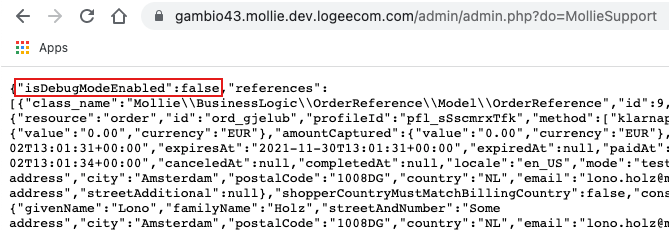
The Mollie log file contents appear.
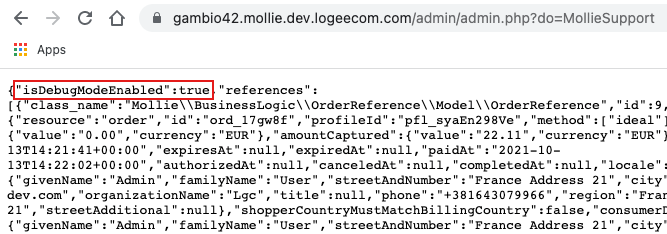
If isDebugModeEnabled is true, continue the steps below to change its value and reduce the size of your log files. Otherwise, the Mollie plugin already only logs errors and warning messages.
Open your REST client and create a POST request to the API method that changes the value of the isDebugModeEnabled key to false.
Table 3. POST parametersParameter
Value
Authorisation type
Bearer token
Token
[your Mollie live API key]
Request URL
https://[domain name]/admin/admin.php?do=MollieSupport
Request body
{"isDebugModeEnabled"="false"}
Repeat step 2 above to confirm that the value of the isDebugModeEnabled key is now false.