Remove a payment method from your shop
The payment method overview under Modules  > Modules-Center displays which payment methods are available in your checkout. Inactive means that a payment method is unavailable.
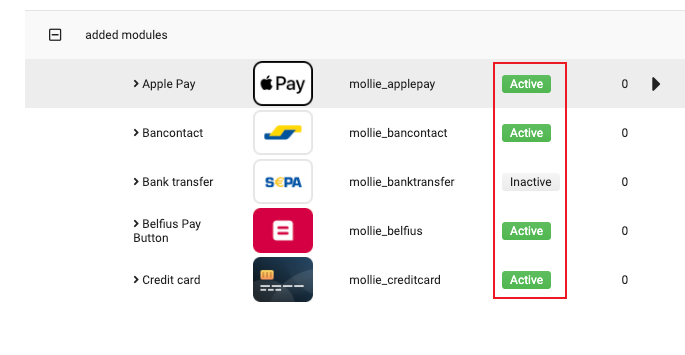
After installing payment methods in your Gambio shop, they are enabled by default.
Steps
Log in to your Gambio dashboard.
Go to Modules
> Modules-Center.Select Mollie from the module list.
Click Edit.
Scroll down to the relevant payment method and click Configure.
Click Edit.
In the editing panel, scroll down to the Enable payment method toggle and switch it off.
Click Update to save your settings.