Include the payment method name in your order information
Include the name of the payment method that was used for an order in that order's details.
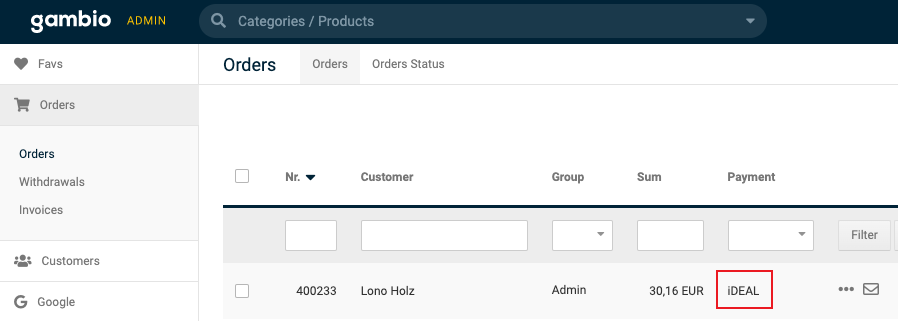
Create an alias that will be displayed in the Payment column of your Gambio Orders overview.
Steps
Log in to your Gambio dashboard.
Go to Modules
 > Modules-Center.
Select Mollie from the module list.
Click Edit.
Scroll down to the relevant payment method and click Configure.
Click Edit.
In the editing panel, scroll down to the Alias for orders overview field and enter an alias.
Click Update to save your settings.