Configure how banks are listed in your checkout
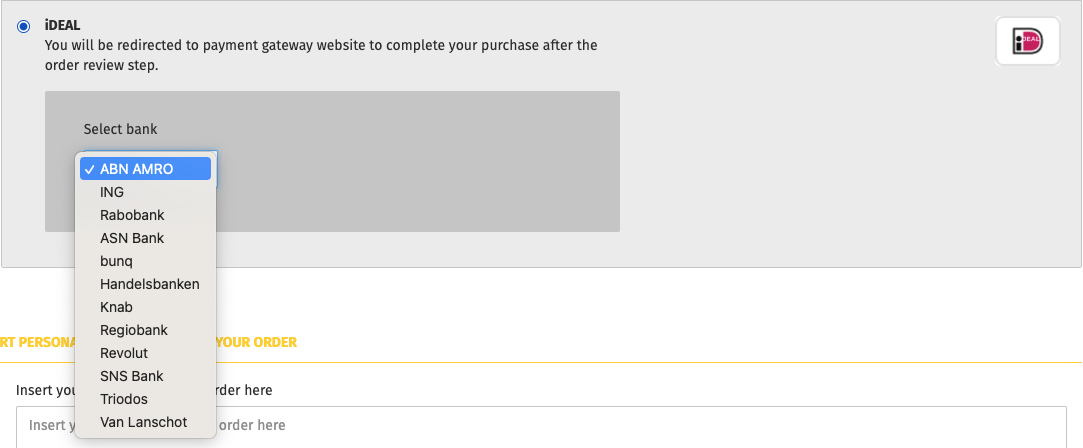
For iDEAL, KBC/CBC payment button, Mollie lets you decide whether or not you want to display a list of banks in your checkout when your customer selects one of them as a payment method.
Dropdown
List with images
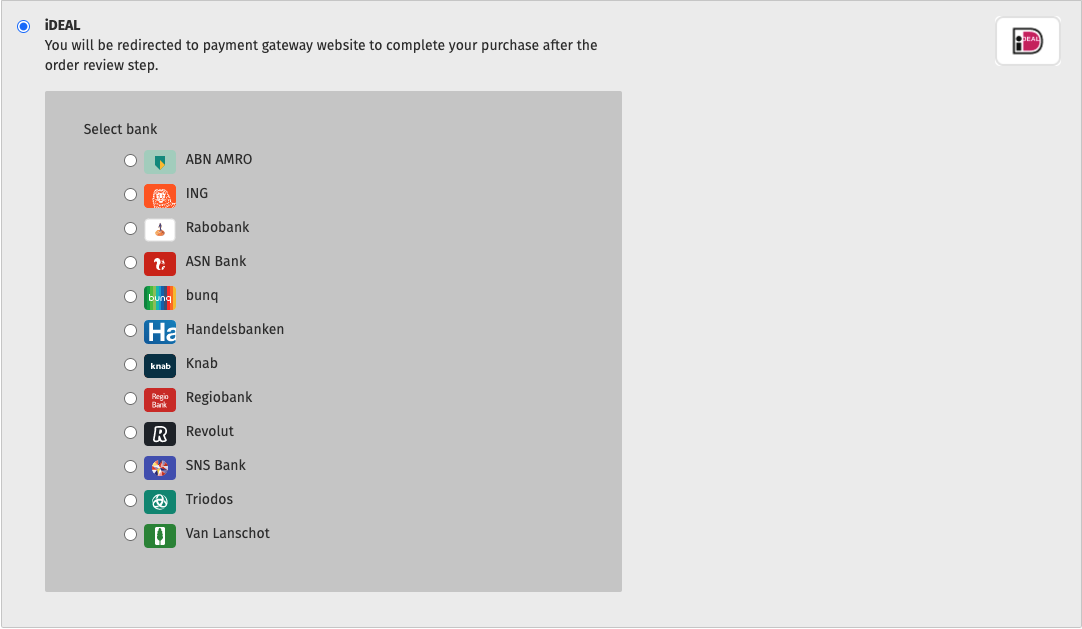
By default, your checkout displays the list with images.
Steps
Log in to your Gambio dashboard.
Go to Modules
 > Modules-Center.
Select Mollie from the module list.
Click Edit.
Scroll down to the relevant payment method and click Configure.
Click Edit.
In the editing panel, scroll down to the Issuer list style drop-down list and select an option.
Click Update to save your settings.